Backlit: Logo Light Control for MacBook PROLED
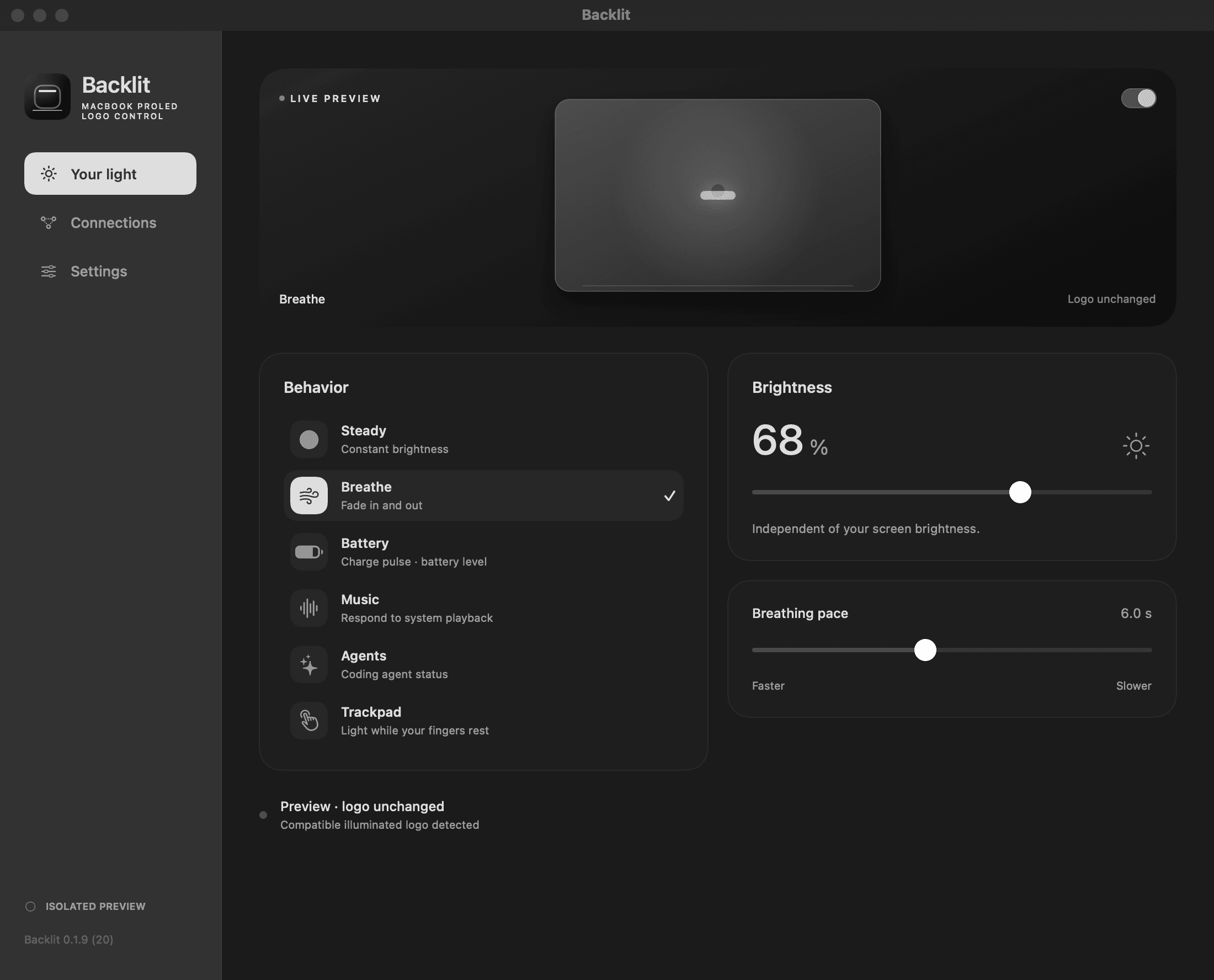
A light on the back of a laptop is a small thing to build an app around. But it might as well do something useful: show the battery level, move with music, or tell me a coding agent needs attention without another notification on the screen.
Backlit is my take on that. It’s a native macOS menu-bar app for the illuminated logo on compatible MacBook PROLED hardware. It connects automatically and keeps the everyday controls one click away. No account or cloud service required.
What it does
- Steady: choose a brightness and leave it there.
- Breathe: a gradual fade in and out, with an adjustable pace.
- Battery: pulses while actively charging, stays solid when plugged in but not charging, and follows the battery level when unplugged.
- Music: the logo responds to bass in system playback.
- Agents: different patterns for working, waiting, and needing attention.
- Trackpad: light up while your fingers rest on the trackpad, then go dark when you lift them.
Trackpad works while other apps are in front, not just inside Backlit. It listens for contact and release rather than watching the cursor. Screen touch isn’t supported. The logo is white light only, so everything comes down to brightness and timing.
Battery behavior
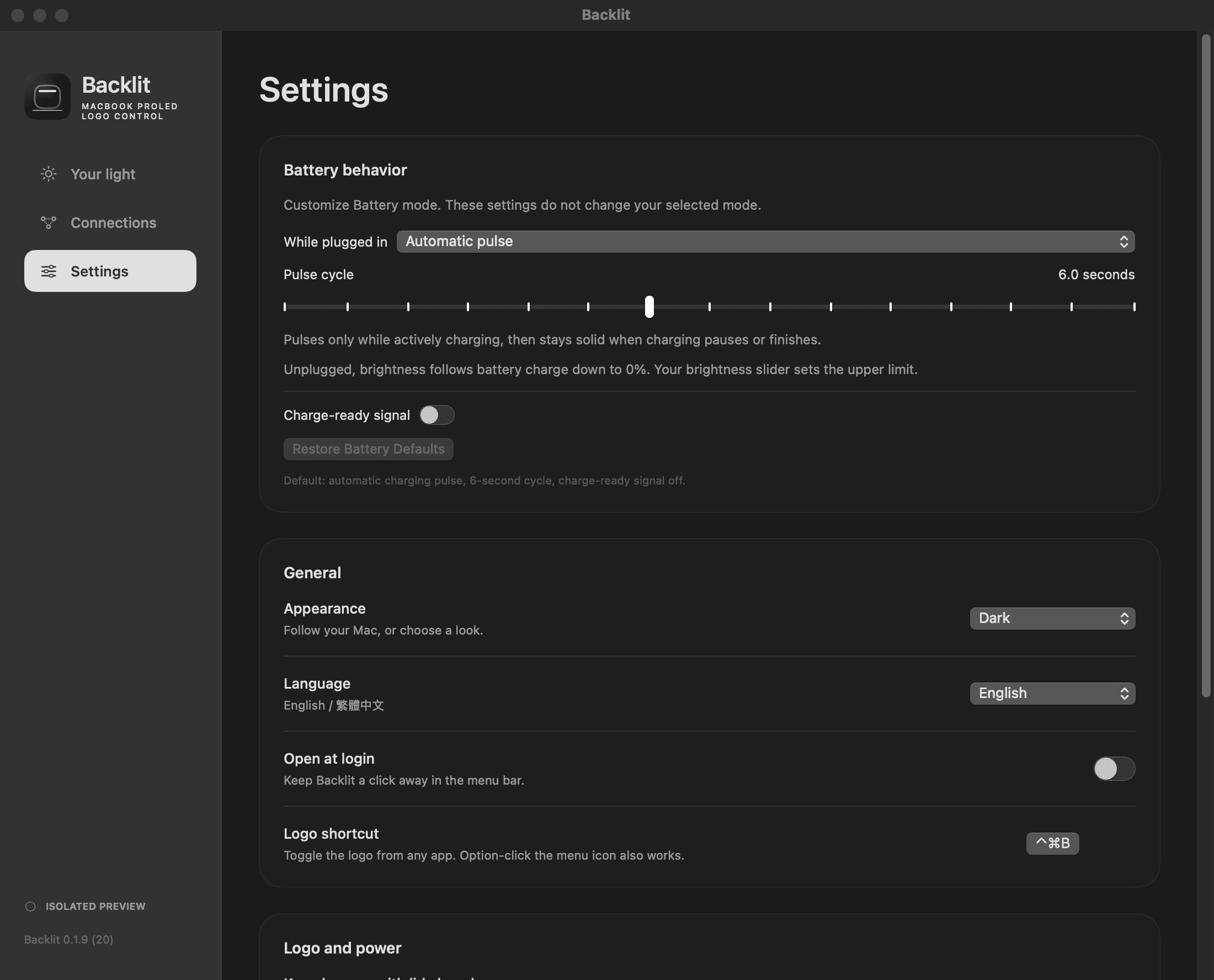
Battery is the default behavior. In v0.1.9, I added controls in Your light → Battery and Settings → Battery behavior:
- Choose Automatic pulse, Steady, or Match battery level while plugged in.
- Adjust the pulse cycle.
- Turn on an optional charge-ready signal, with a threshold, style, and duration.
The brightness slider sets the upper limit. Unplugged, the light follows the charge down to 0%. The charge-ready signal is off by default, and Restore Battery Defaults returns to automatic pulsing with the signal off. Updating preserves existing choices.
A small status light
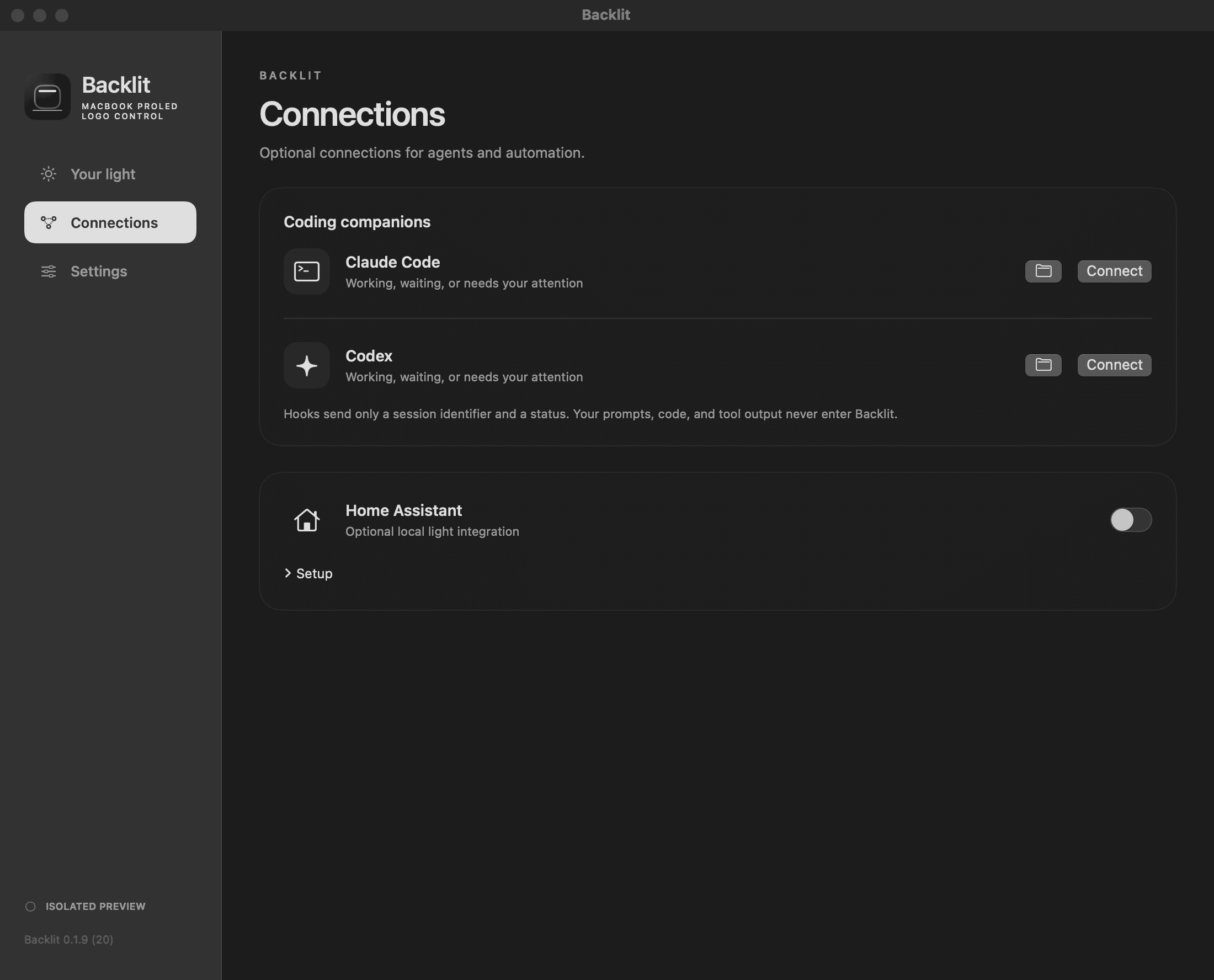
Optional Claude Code and Codex connections use hooks to pass session status to Backlit. They send a session identifier and status, not prompts, code, or tool output. Existing hooks are preserved. Codex hooks need to be reviewed and trusted in Codex.
There’s a Home Assistant integration too, with brightness, effects, and status sensors over a local, authenticated connection. It’s off by default.
Under the hood
Native Swift and SwiftUI, with local audio processing and no microphone recording. Backlit saves the previous logo settings and restores them on a normal quit. Display brightness stays separate.
All screenshots are native captures of Backlit v0.1.9 in isolated preview mode. They leave the real logo and integrations unchanged.