Install Backlit for MacBook PROLED
MacBook PROLED
An early preview, not a stable release.
Ad-hoc signed. Not Developer ID signed or notarized.
INSTALLATION
Install Backlit
Download the app and move it into Applications.
- 01 / DOWNLOAD
Download the app
Use the Apple silicon DMG or ZIP above. Review the build information and SHA-256 checksums before installing.
- 02 / APPLICATIONS
Move to Applications
Quit any running Backlit normally. Open the DMG and drag Backlit into Applications, or unzip the ZIP and move Backlit.app there. Don’t force-quit to rush an update.
- 03 / YOUR LIGHT
Open Backlit
Open Backlit from Applications. Compatible hardware connects automatically. Choose a behavior and brightness, then use the light switch.
COMPATIBILITY
Is your Mac compatible?
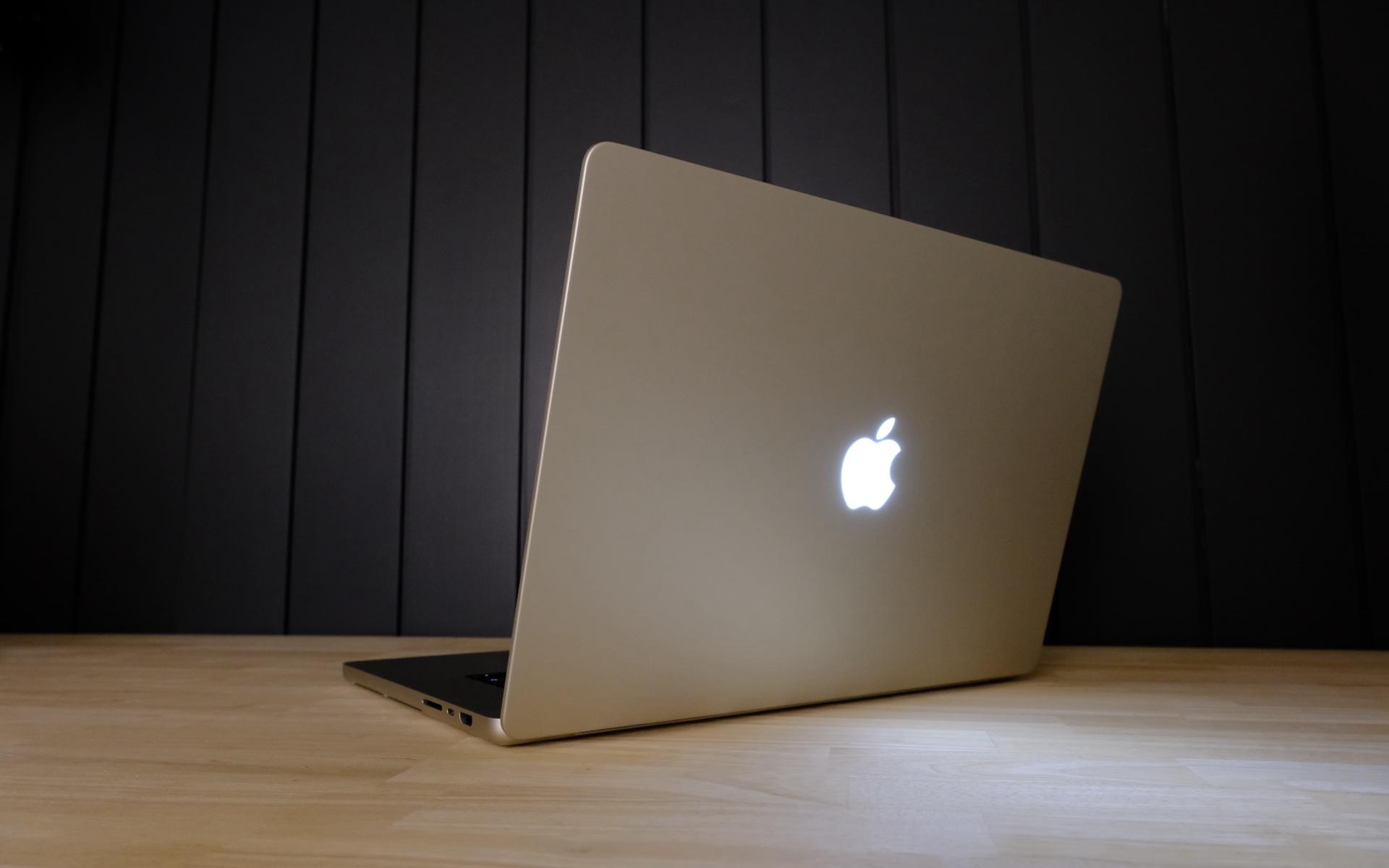
A physically illuminated, independently controlled logo is required. Backlit cannot add a light to a Mac that has none.
- Architecture
- Apple silicon
- Documented test machine
- MacBook PROLED Mac17,12
M5 Pro · macOS 27.2.1 - Deployment target
- macOS 14.0
The deployment target does not promise support for every older Mac or OS. Intel, other enclosure variants and unknown logo hardware remain unverified. Unsupported hardware can use preview mode. Private Apple interfaces may change.
BEFORE INSTALLING
About this preview
This release is ad-hoc signed, not Developer ID signed or notarized. macOS may block opening it. Review the source, release provenance and security warning before deciding whether to proceed.
Music requires your opt-in and macOS permission for system audio. Login launch, closed-lid operation and the administrator brightness override are optional. Closed-lid and administrator behavior still need physical validation.
Normal Quit restores the previous logo curve. If recovery is needed, use Restore Light.
Validation and known limits