Dock Block HomeView: A Weighted Desk Stand for Apple HomeView
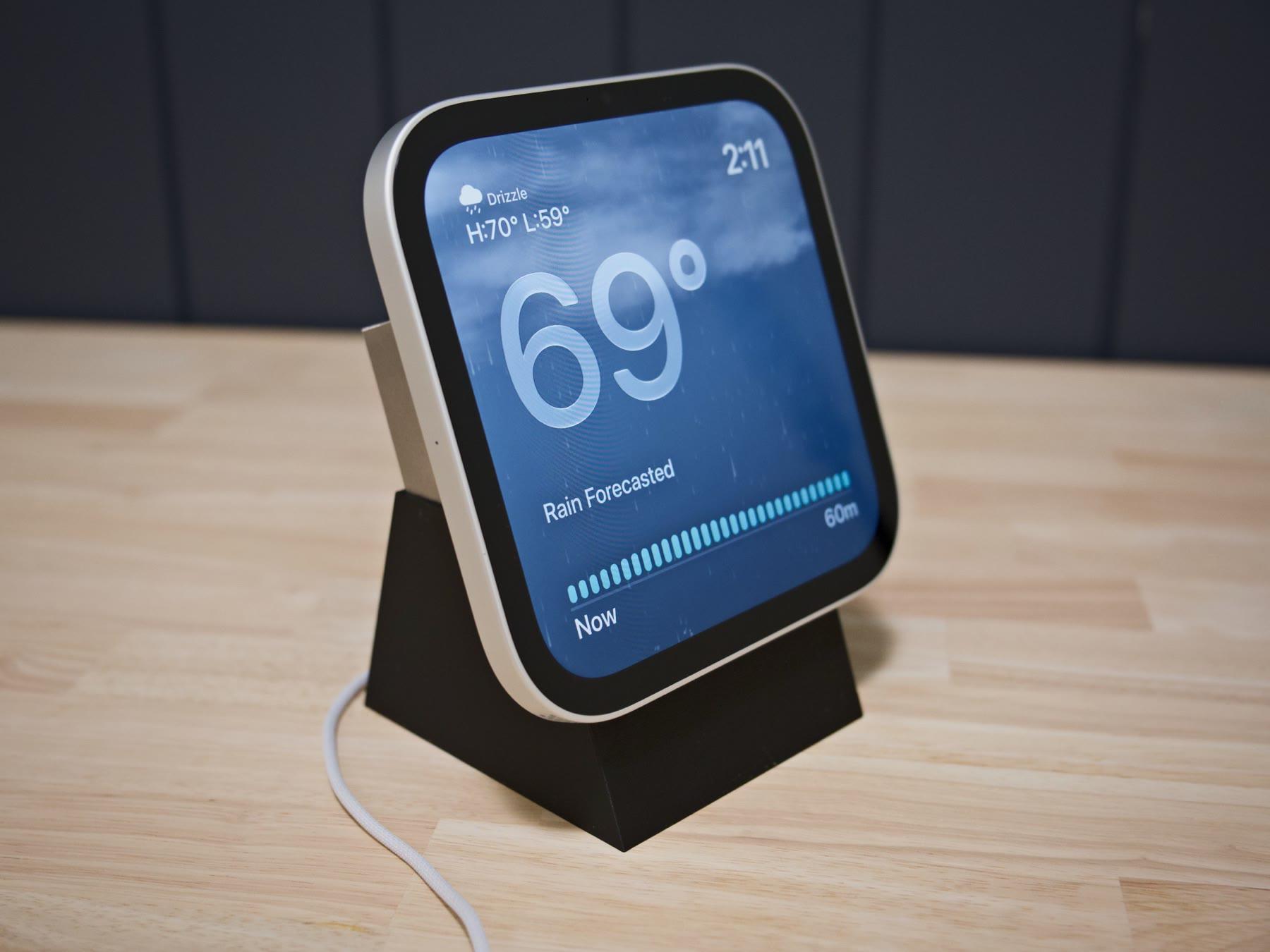
I made the original Dock Block because I got tired of picking up my whole MagSafe stand every time I grabbed my phone. The fix was two steel 1-2-3 blocks. When I wanted to put my HomeView on my desk, I figured I might as well use the same trick.
The result is Dock Block HomeView. It’s a separate print for the wall-mounted HomeView. The tabletop version already has its own speaker base, so this one isn’t for that. Instead of putting it on the wall, you can set it on the desk and run USB-C out the back.
Get Dock Block HomeView on MakerWorld
How it works
There are two steel blocks tucked into the back of the print. If you haven’t used 1-2-3 blocks before, they’re machinist setup blocks that measure exactly 1″ × 2″ × 3″. They’re heavy for their size, and since you know exactly how big they are, it’s easy to design a print around them.
Here they do two jobs. They give the stand some weight, and they give the magnets on the back of the HomeView something to grab. I left the USB-C opening loose on purpose. It’s just a pass-through, so you plug the cable into the HomeView itself instead of trying to line up a connector fixed inside the print.
What you need
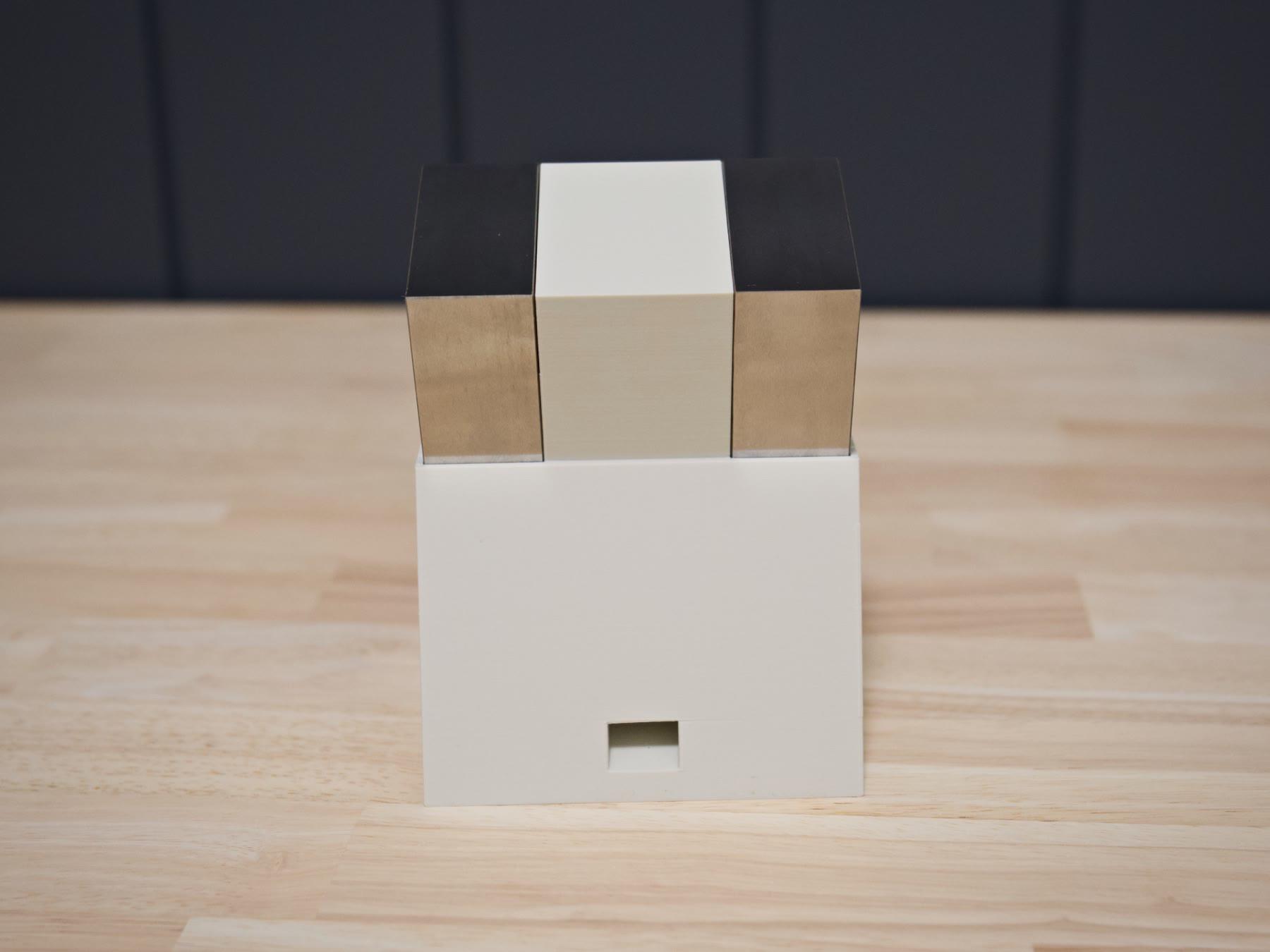
- The Dock Block HomeView print. My print profile uses supports, a 0.16 mm layer height, two walls, and 15% infill.
- Two steel 1-2-3 blocks.
- The wall-mounted Apple HomeView, a USB-C cable, and a 20W or higher USB-C power adapter.
- Optional: thin protective strips where the steel meets the HomeView, or grip tape under the stand if your desk is slick.
Putting it together
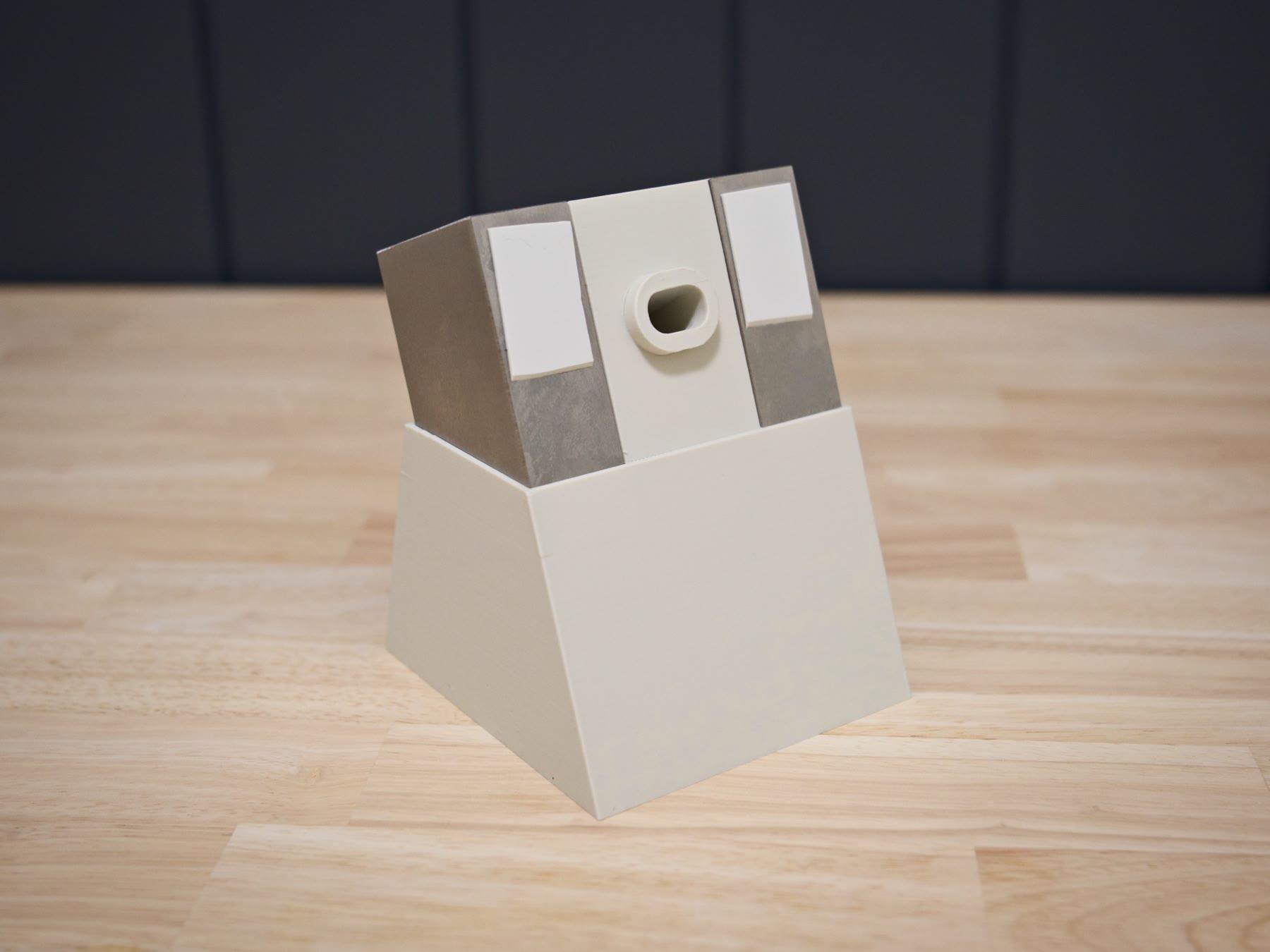
- Slide the two steel blocks into the back of the print, one on each side of the center post.
- Feed the USB-C cable through the center opening and plug it into the HomeView.
- Set the HomeView on the stand. The magnets hold it against the steel.
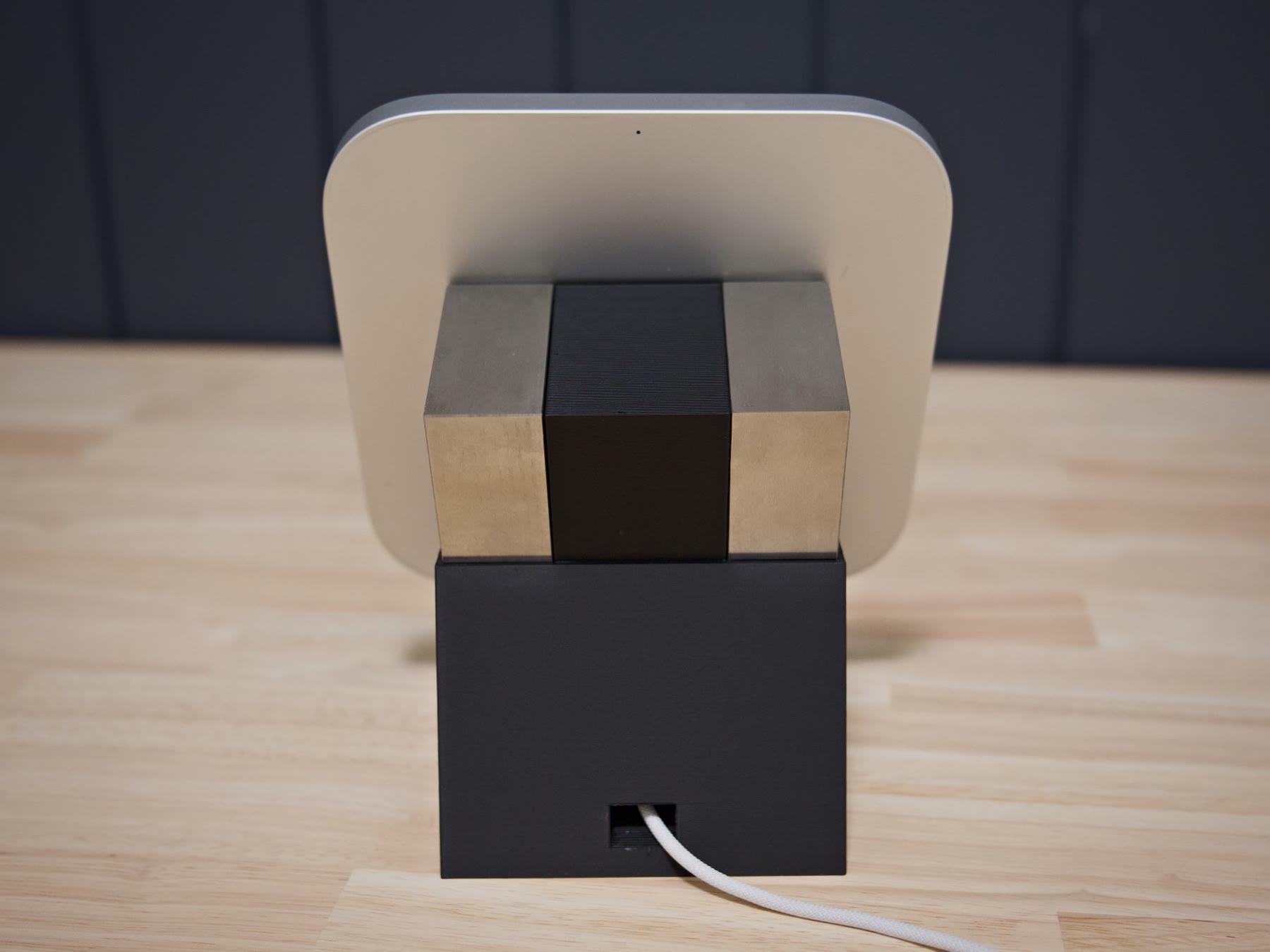
The black and white versions go together the same way. The back is probably the most useful photo if you’re making one yourself. Once you see where the two blocks and the cable go, there isn’t much to it.
If you’re looking for the iPhone version, that’s still the original Dock Block. And credit to Scott Yu-Jan for the steel-block idea that got the first one started.