Dock Block: A MagSafe Dock Weighted With 1-2-3 Blocks
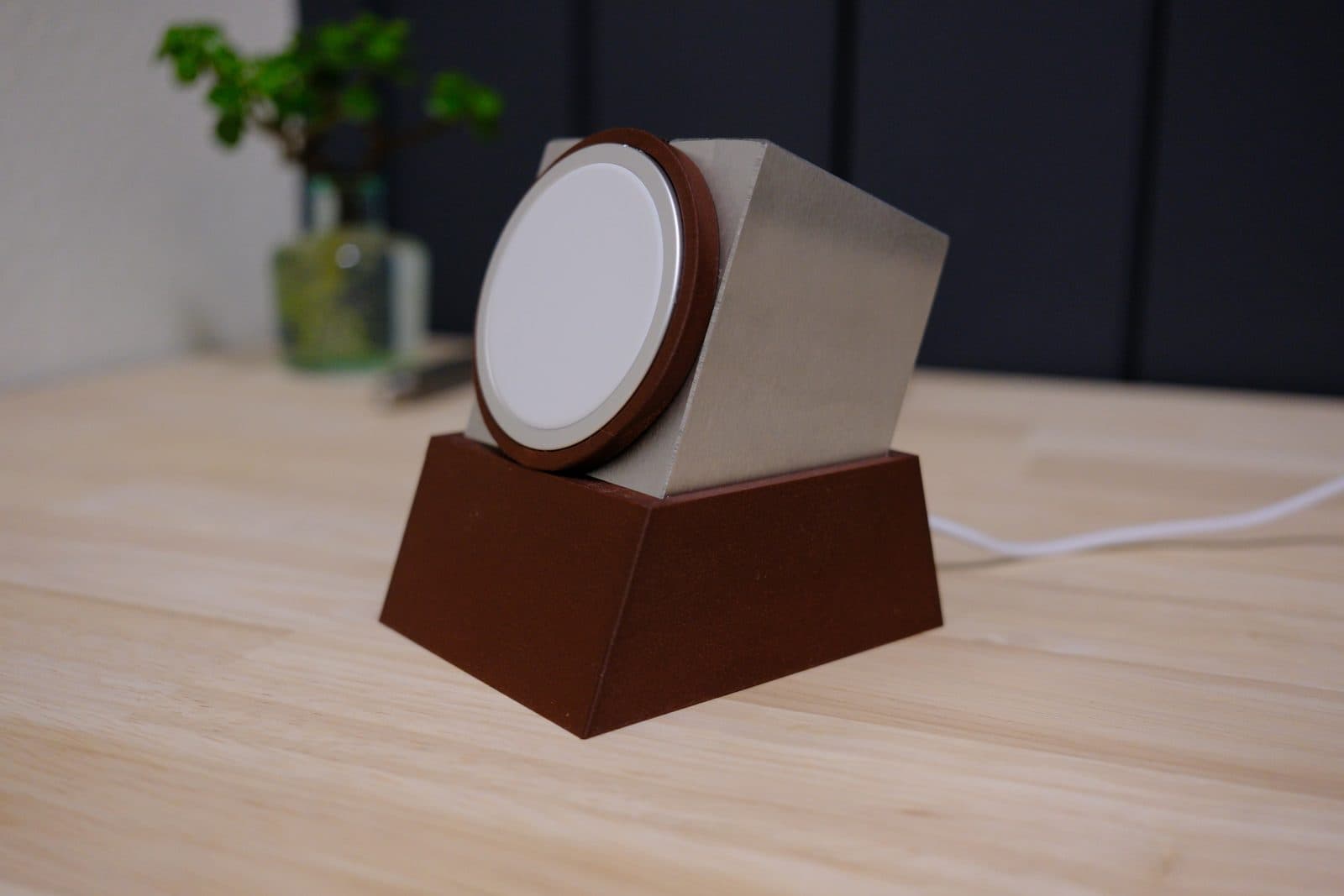
Every printed MagSafe stand I’ve owned has had the same problem. The magnet holds the phone better than the stand holds the desk. Grab your phone with one hand and the whole thing either comes along for the ride or scoots a few inches across the desk. Plastic is light and MagSafe is strong.
Scott Yu-Jan solved this with his 123 Dock by using a steel 1-2-3 block as the weight. I loved that idea, so I built my own take on it. That’s Dock Block.
- Download (free): Dock Block on MakerWorld
Why 1-2-3 blocks
If you haven’t run into them before, 1-2-3 blocks are machinist setup blocks. They’re hardened steel, precision ground to 1” × 2” × 3”, and they usually come in pairs. That makes them pretty much perfect ballast for a print. They’re dense, inexpensive, dead square, and since the size is exact, the printed parts can fit them snugly with no slop.
How it works
My version flips the blocks and sets them at an angle inside a tapered base. A printed ring holds the MagSafe charger right on the face of the steel, and the cable exits through a slot in the back. The angle tips your phone back a bit so it’s easy to read from your chair, and with that much steel in it, you can pull your phone off one-handed and the dock doesn’t move.
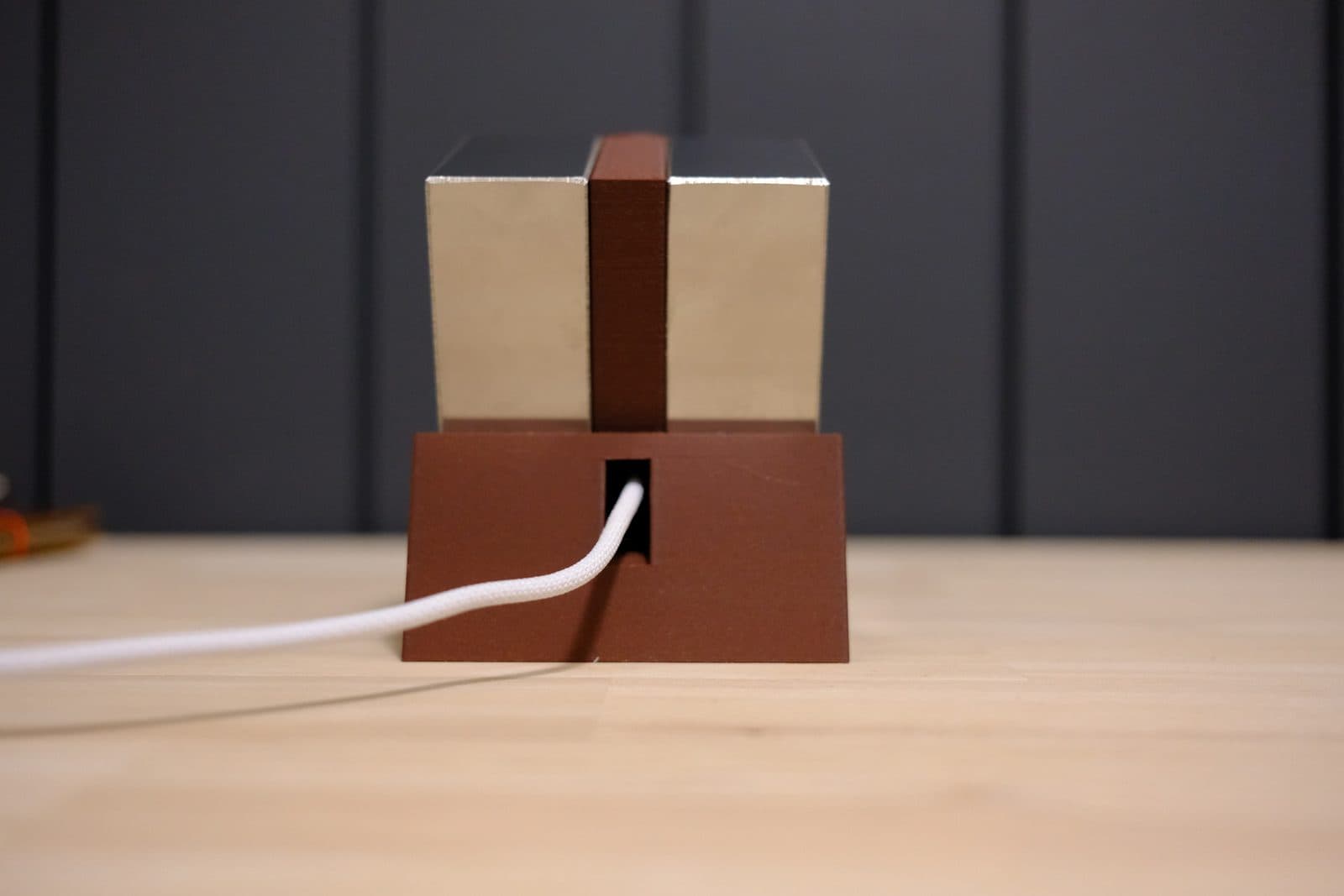
It took something like 20 versions in Fusion 360 to get the angle, the fit around the blocks, and the cable path where I wanted them.
There are two versions:
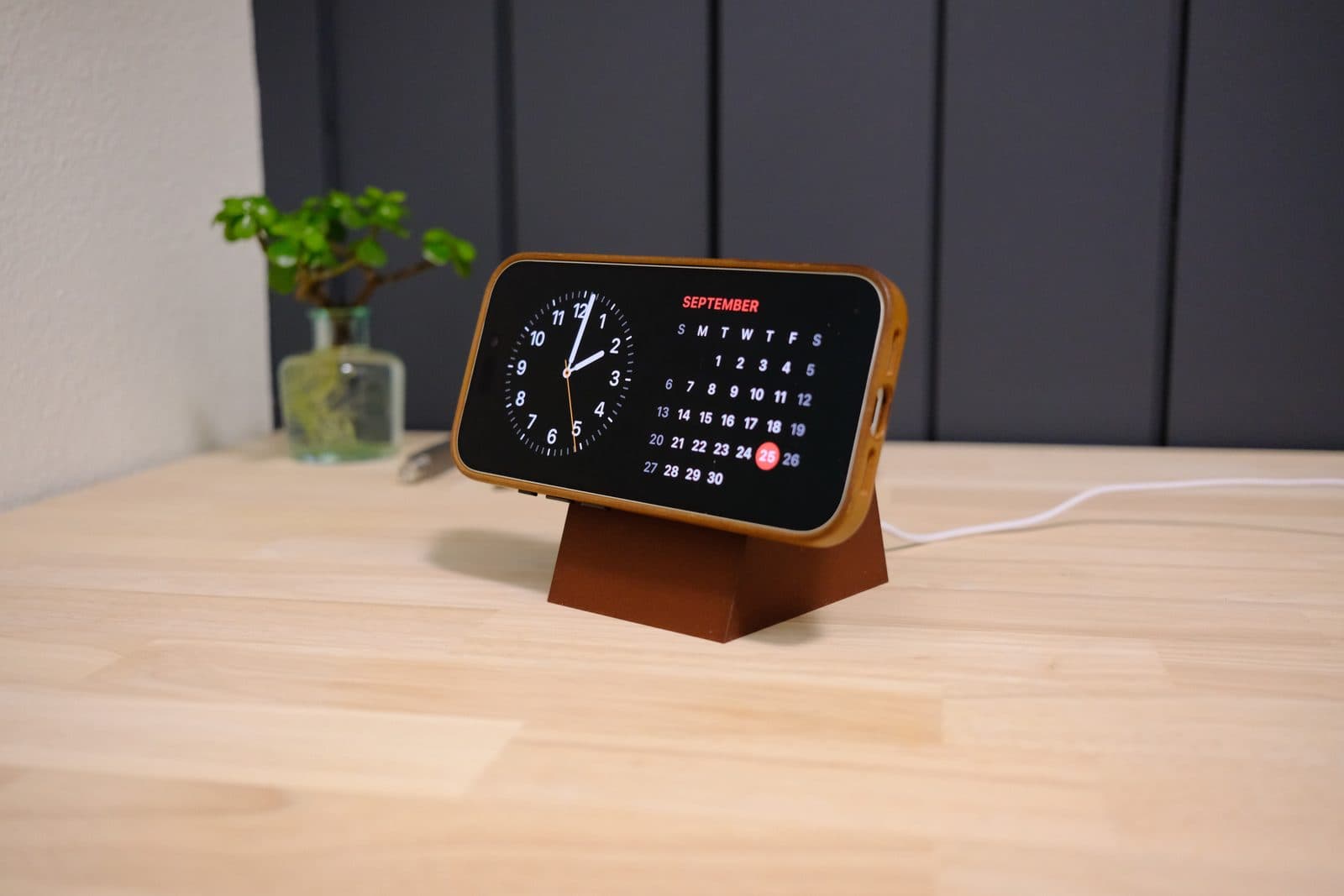
- Short: landscape only. This is the one I use, and the one to grab for StandBy mode or propping up a video.
- Tall: landscape or portrait. The extra height gives your phone room to stand upright without hitting the desk.
What you need
- The dock: free on MakerWorld. Print it with supports.
- 2 steel 1-2-3 blocks (1” × 2” × 3”): https://amzn.to/3Vc5D3x
- Apple MagSafe charger: https://amzn.to/4h6SNvW
One important note: it only works with the second-generation MagSafe high-speed charger, the one with the braided cable.
The Amazon links are affiliate links. As an Amazon Associate I earn from qualifying purchases.
Putting it together
The whole build takes about a minute, and the video above shows every step:
- Slide the two 1-2-3 blocks into the dock.
- Thread the MagSafe cable through and press the charger into the ring.
- Set your phone on it.
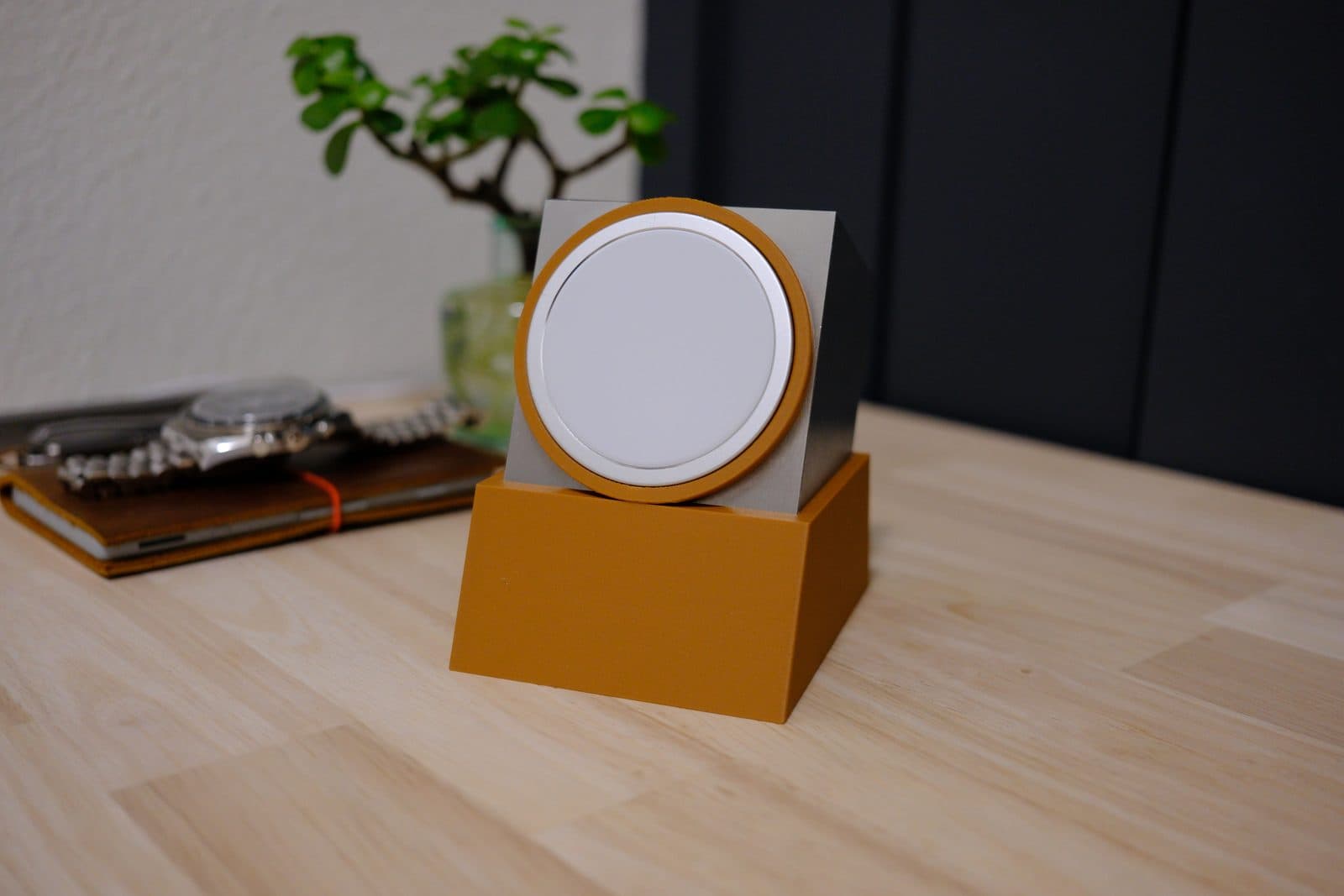
I’ve printed it in a few colors so far, and pretty much anything looks good next to bare steel.
Credit
Big thanks to Scott Yu-Jan for the original idea. If you haven’t seen his work, it’s worth a look.